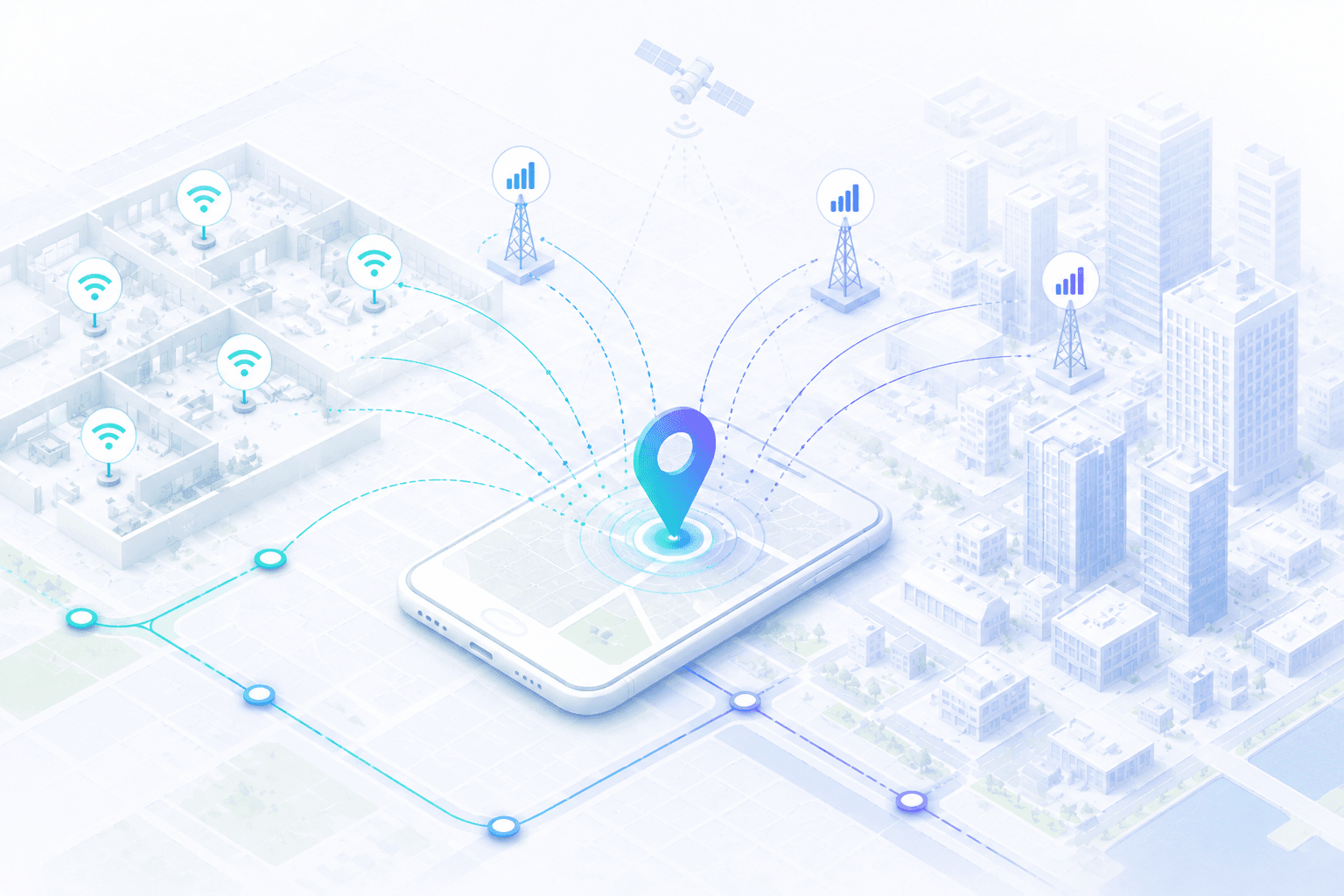
GPS is great outdoors — and often unreliable indoors, in dense urban canyons, or anywhere satellite reception drops out. The new MapQuest Geolocation API fills that gap: submit radio network measurements from the device, and get back a GeoJSON point with accuracy estimates your app or agent can use directly.
Read the full reference: POST Locate.
What it does
The Locate endpoint estimates a device's geographic position from cellular and/or Wi‑Fi signal measurements. You send one or more radio arrays in a single POST; MapQuest returns a position plus horizontal accuracy (and optional altitude when requested).
- Endpoint:
https://www.mapquestapi.com/geolocation/v1/locate - Auth: API key required
- Response: GeoJSON Point + accuracy in meters
- Body limit: 30 KB
What you can send
Include at least one radio measurement array. Supported networks include GSM, WCDMA, TD‑SCDMA, LTE, LTE Cat‑M, NB‑IoT, CDMA, and WLAN (Wi‑Fi). Optional device hints (manufacturer, model, OS) can improve accuracy. Set altitude=true when you need vertical position and vertical accuracy.
Example: LTE locate
{
  "lte": [
    {
      "mcc": 262,
      "mnc": 2,
      "cid": 2898945,
      "localId": { "earfcn": 6300, "pci": 123 },
      "nmr": [
        { "earfcn": 6300, "pci": 237 },
        { "earfcn": 6300, "pci": 442 }
      ]
    }
  ]
}
A successful response looks like:
{
  "location": {
    "type": "Point",
    "coordinates": [23.864577, 61.4469302]
  },
  "accuracy": {
    "horizontalInMeters": 24
  }
}
When to use it
- Indoor or underground positioning where GPS fails
- Dense urban areas with multipath and weak satellite lock
- IoT and mobile apps that already observe cell/Wi‑Fi scans
- Agent or backend workflows that need a position from network context, not a GPS chip
Errors to plan for
Invalid measurement data returns 400. Valid requests that still cannot estimate a position return 422. Temporary service issues return 503 — retry with backoff. Errors use application/problem+json.
Get started with the Geolocation API docs, grab a key from your MapQuest Developer account, and try a Locate call with the measurements your devices already collect.